Workspaces and projects
By the end you have a workspace with panes for one project, and you know where to find it.
-
01Start from the empty Code tab
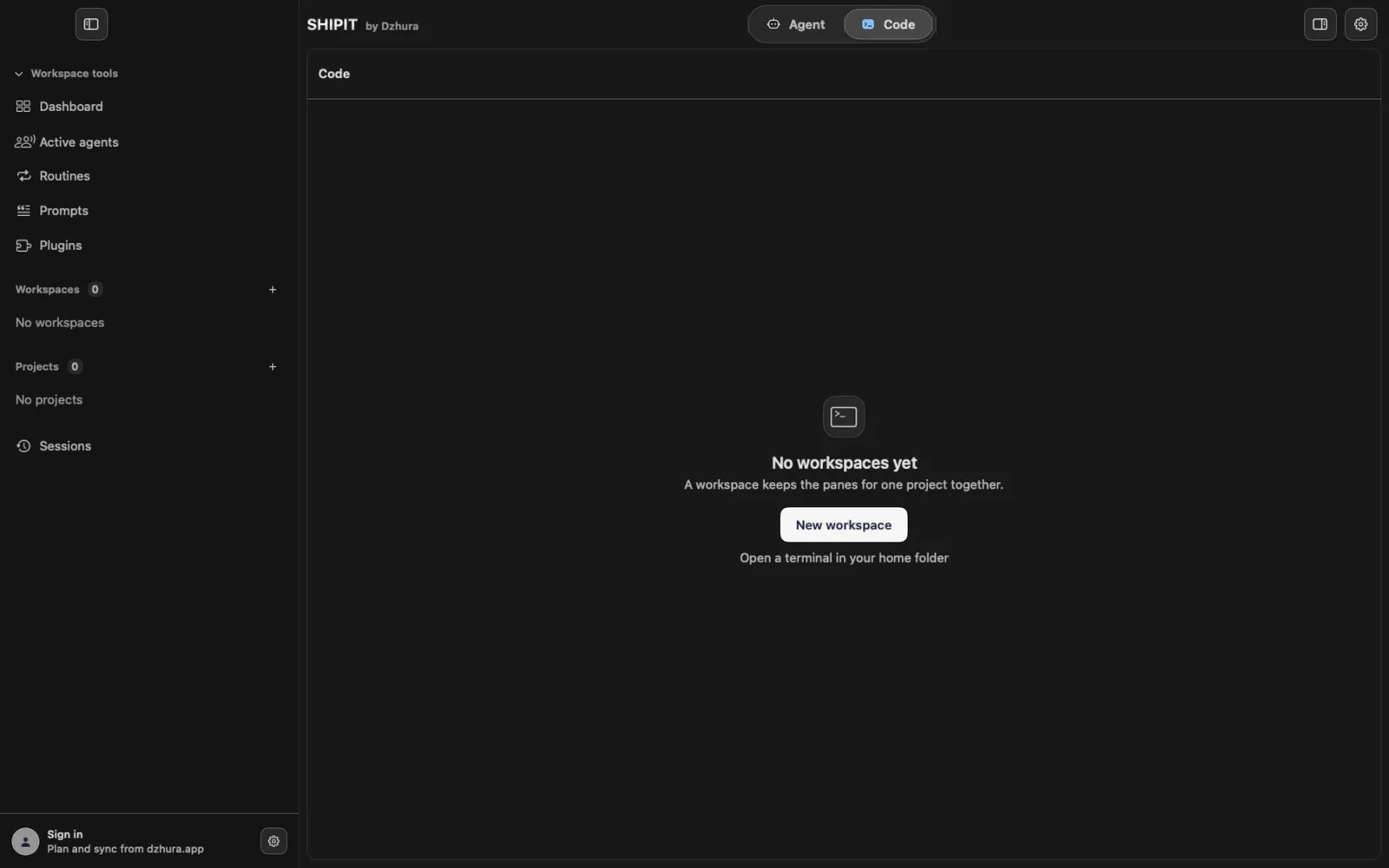
Open the Code tab. Until you have a workspace, the middle says No workspaces yet.
Click New workspace. If all you need is a terminal, pick Open a terminal in your home folder.
-
02One sheet for everything
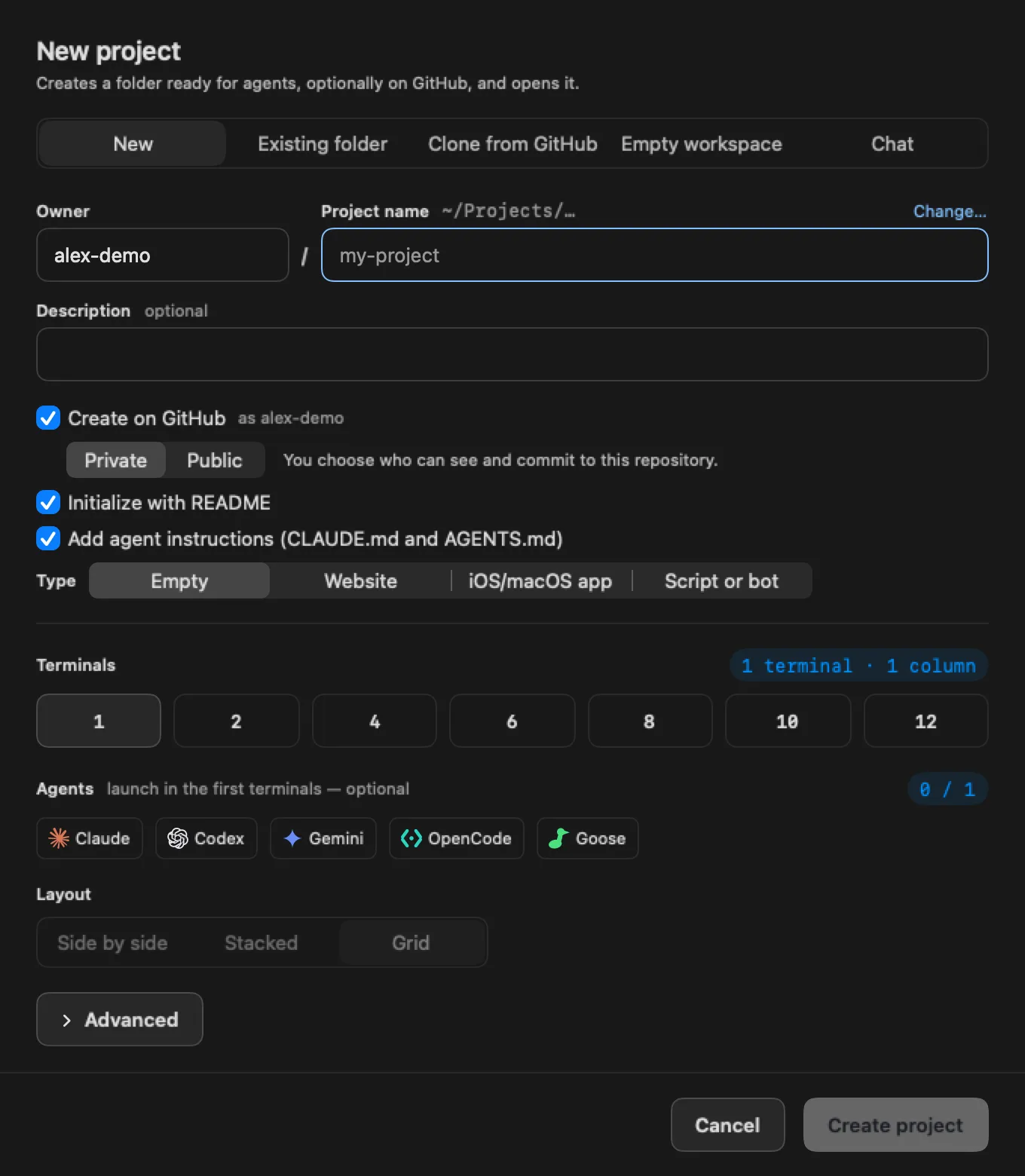
Everything is created in one sheet. At the top, pick what you need: New, Existing folder, Clone from GitHub, Empty workspace or Chat.
Empty workspace fits when you only want terminals: a folder and agents are optional there. Its button is Create workspace.
-
03A new project from scratch
On New, give the project a name and a description. The Create on GitHub switch creates the repository on GitHub right away.
Under Terminals, Agents and Layout choose how many terminals to open, which agents to start and how to lay out the panes. Then click Create project.
-
04An existing folder or a clone
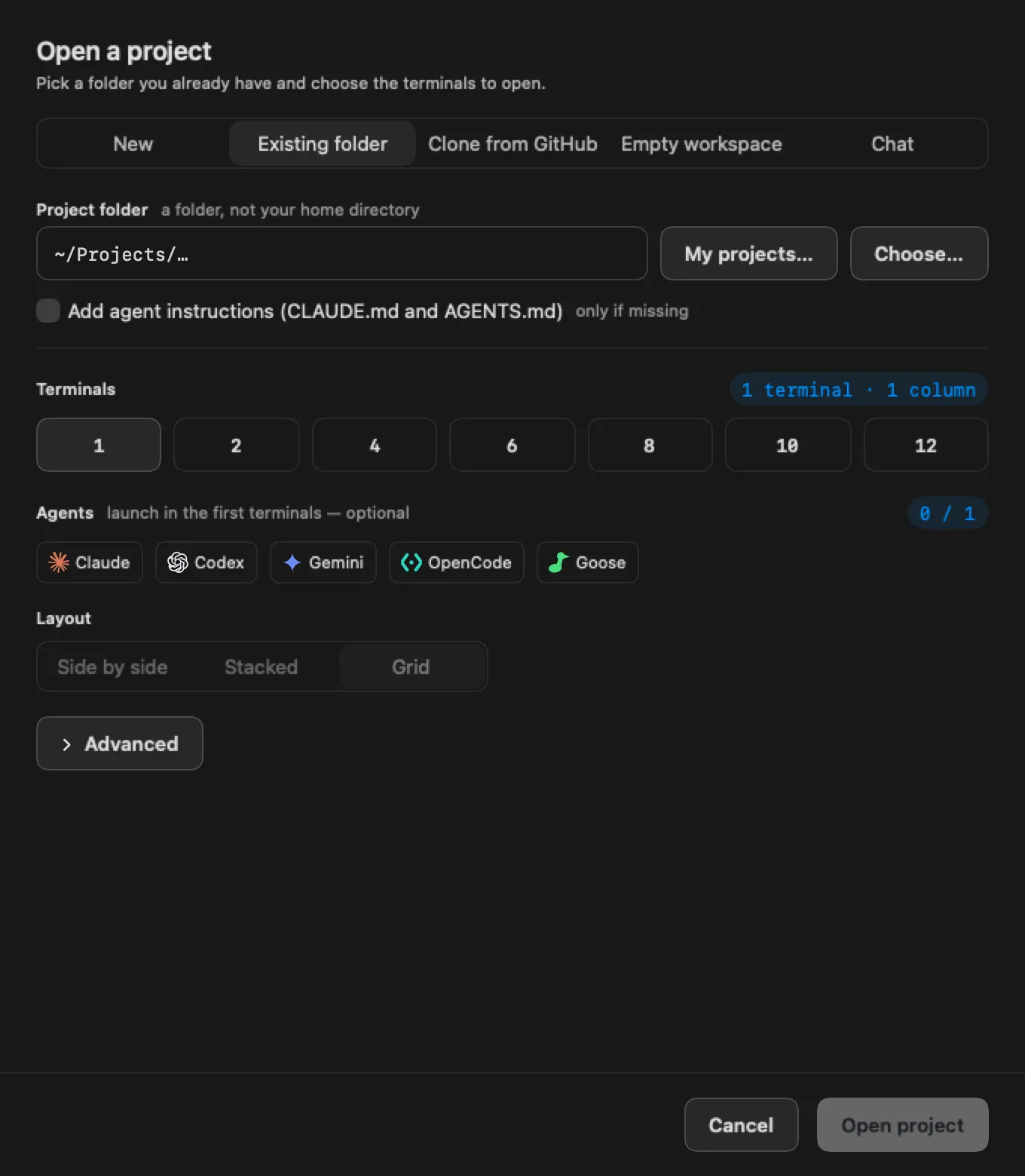
Pick Existing folder and, under Project folder, click Choose… or My projects…. Then Open project.
To take a repository from GitHub, pick Clone from GitHub and click Clone and open.
-
05Where they live
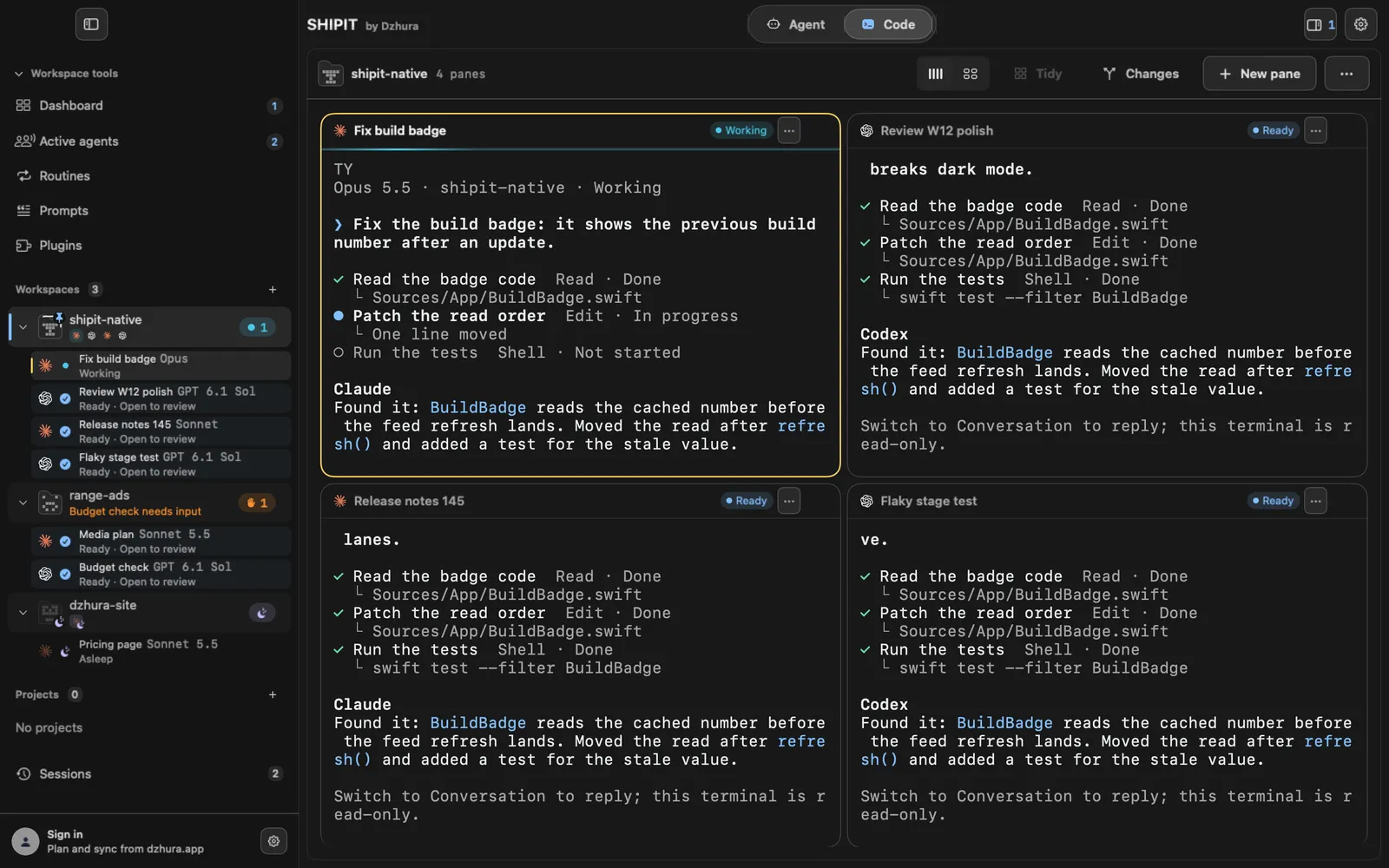
Projects with a folder, new, existing or cloned, sit under Projects. Workspaces without a folder sit under Workspaces. The plus next to each header opens the same sheet.
Under each workspace you see its panes and their state: Working, Ready, Asleep. A hand next to a row means an agent is waiting for you.
-
06The workspace menu
The three dots at the top right open the Workspace menu. It holds Rename, Duplicate, Sessions… (⌘Y) and Sleep workspace.
You close a workspace or a project from there too.
Tips
- One project, one workspace: panes and agents from different tasks stay apart.
- A closed terminal stays in Sessions (⌘Y) and can be reopened.
- You can rename a workspace at any time with Rename.
Questions
What is the difference between a project and a workspace?
A project is tied to a folder with code. A workspace is a set of panes, and a folder is optional for it.
Where did my closed terminal go?
To Sessions (⌘Y). You can reopen it from there.