Plugins: services your agents can use
A plugin gives an agent the tools of another service: GitHub, mail, payments, hosting. You connect a service once and decide which agents may use it.
-
01Open Plugins
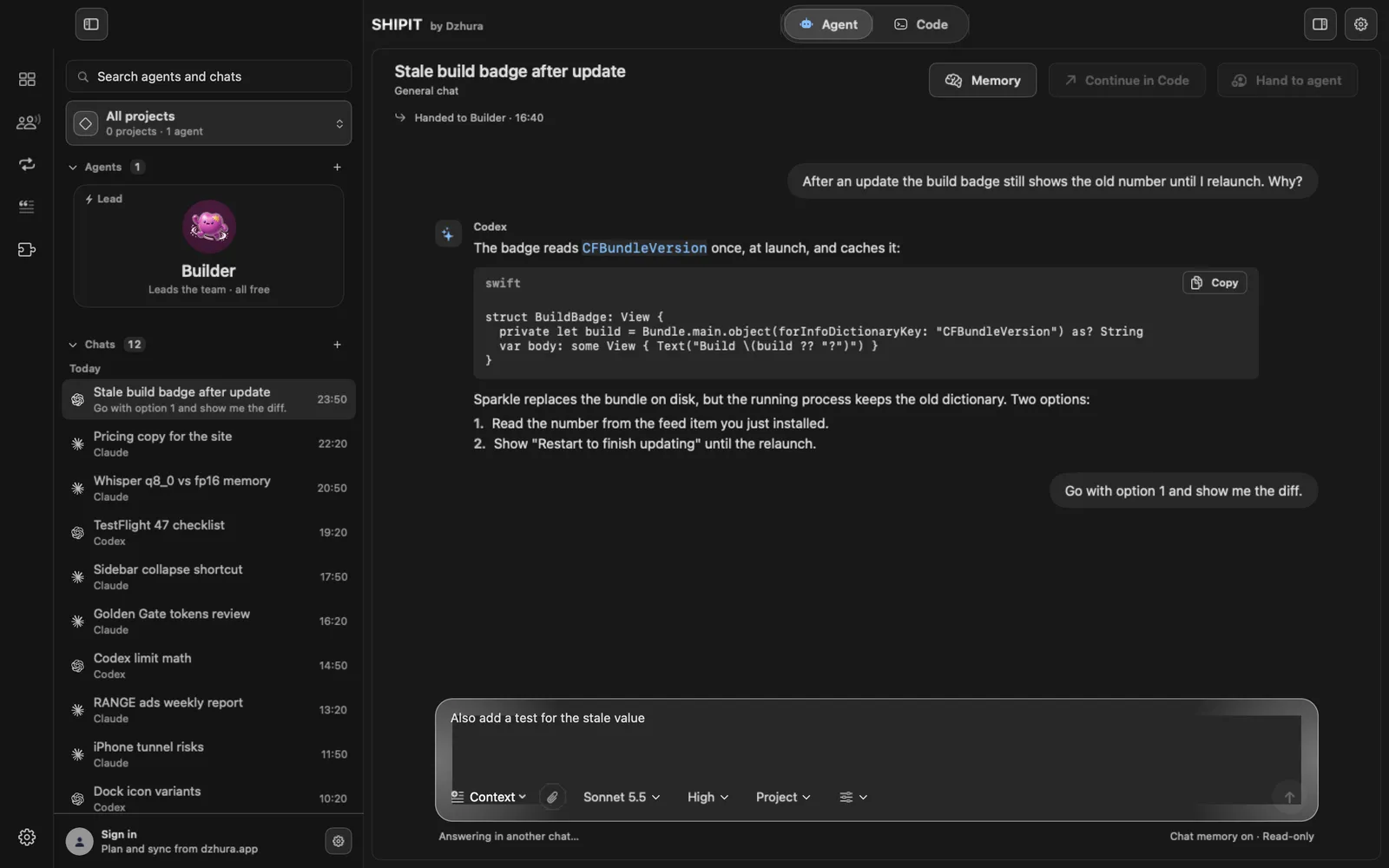
The section is on the Pro level: Plugins in the sidebar, and the puzzle-piece icon in the narrow column on the left. On other levels change the level in
Settings › General, under Experience. -
02What a plugin is
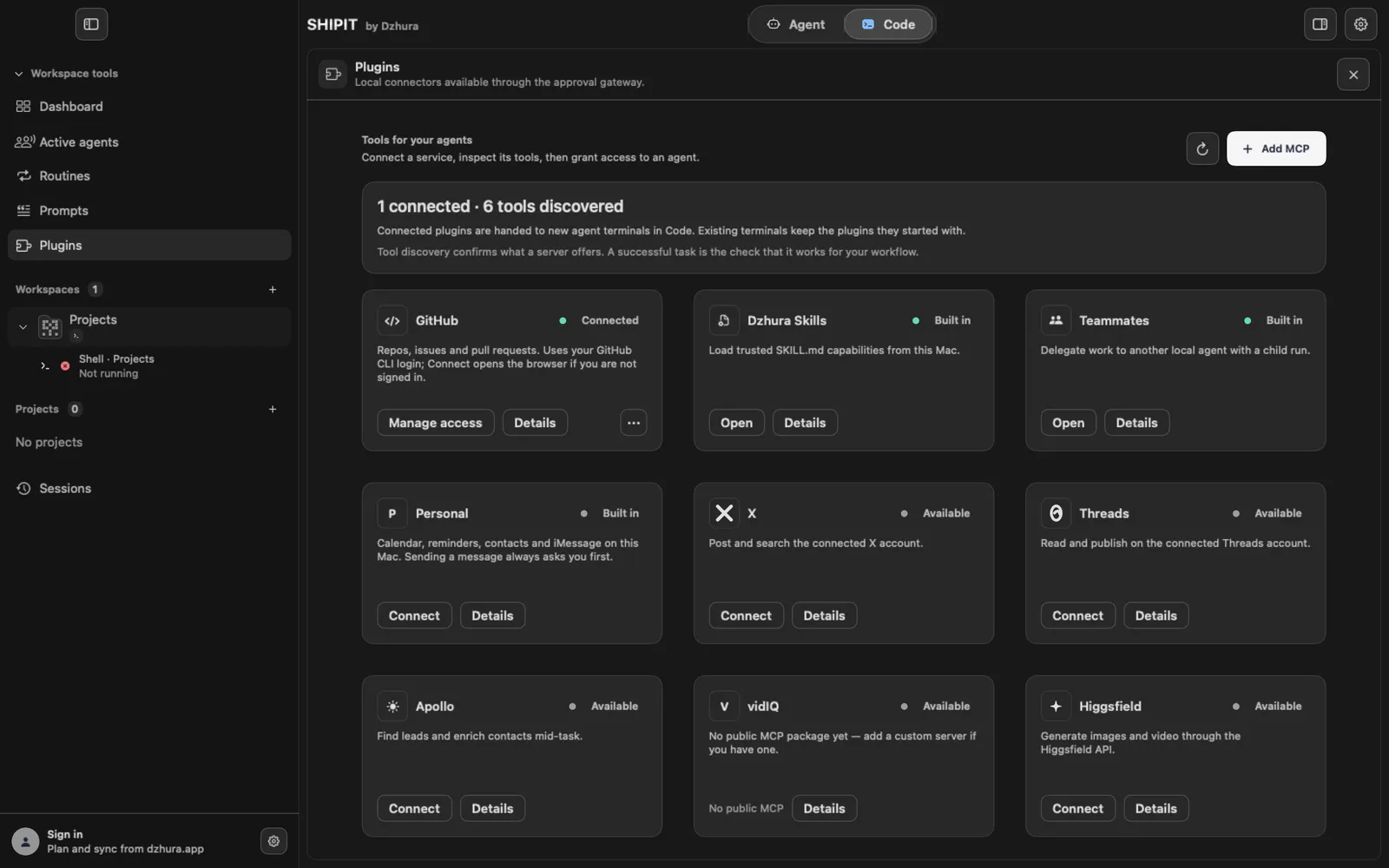
Each card here is a service an agent can work with on its own: read, search, create. Under the hood it is an MCP server, but you do not need to know that.
Cards marked Built in already work and have an Open button. The rest need connecting.
-
03Connect a service
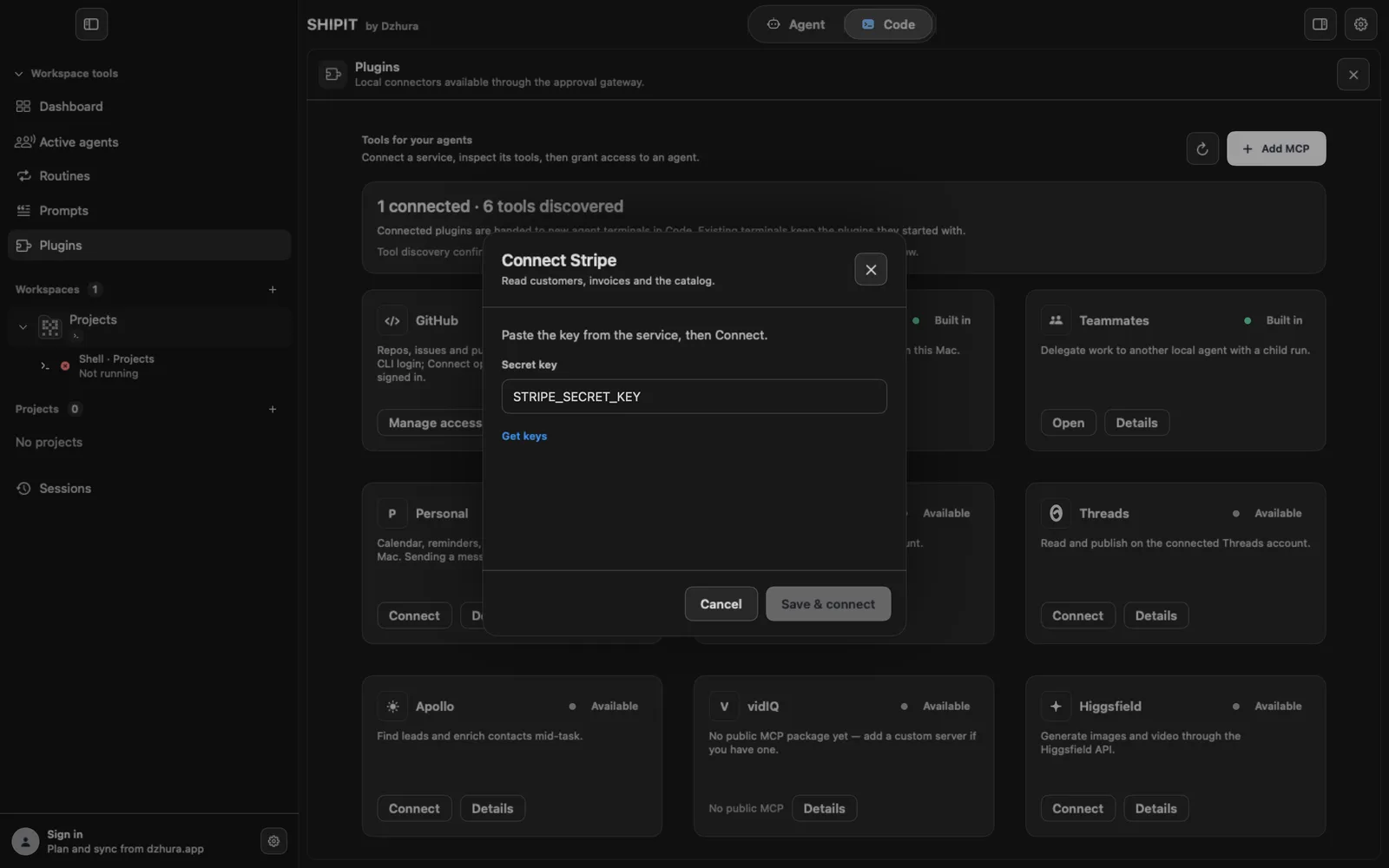
Click Connect on a card. Most services need a key from the service itself, and the form links to the page with the keys.
GitHub uses the GitHub CLI sign-in on this Mac, Gmail asks you to sign in with Google.
-
04Give an agent access
Once connected, the card's menu has Agent access: tick the agents that may use this service. With no agents yet, create one in the Agent tab first.
-
05Details and status
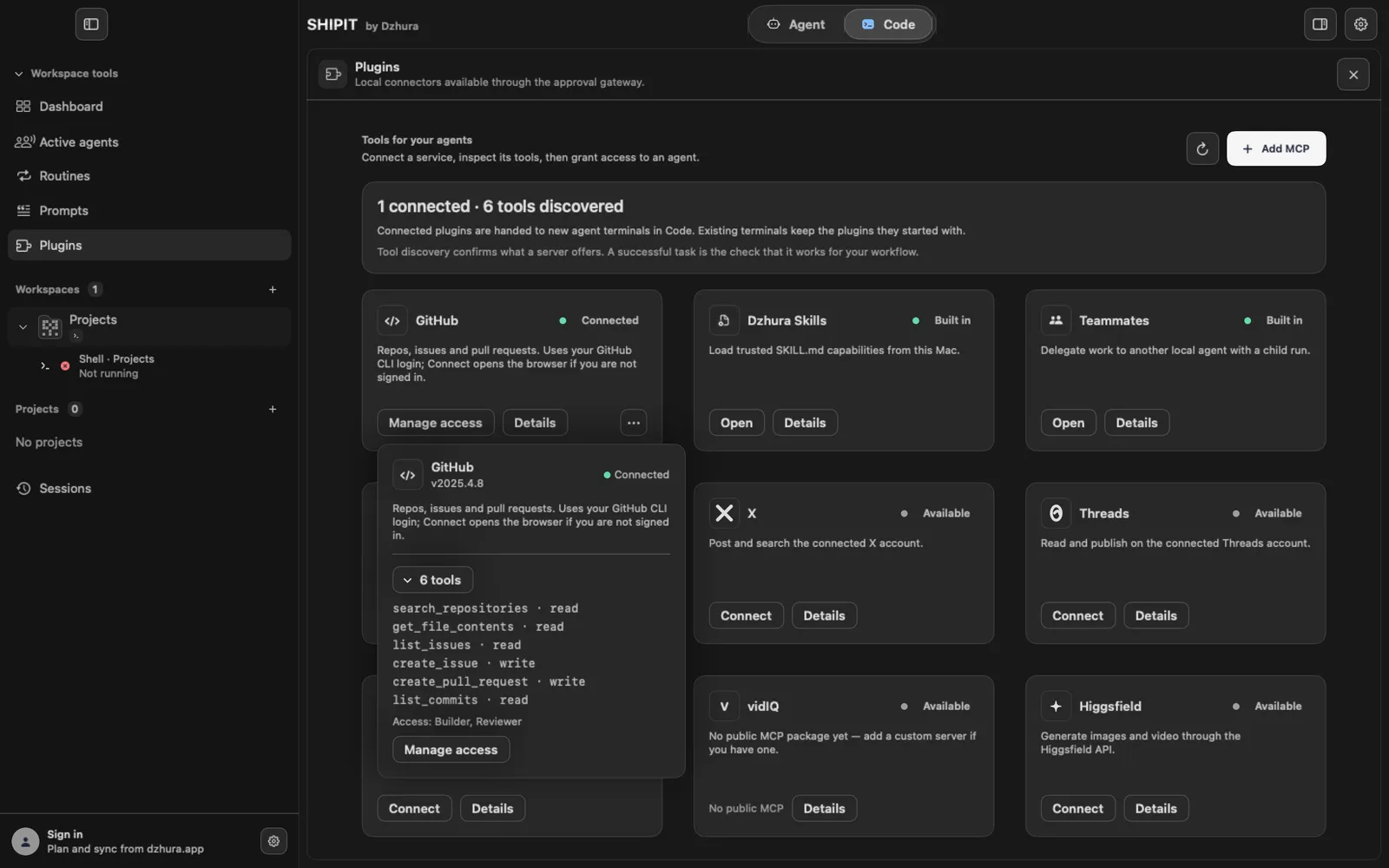
Details shows the plugin's tools, who has access and whether it is running. The three-dot menu has start, disable and remove.
Connected plugins go to new Claude and Codex terminals in Code. Terminals already running keep the plugins they started with.
Tips
- Give access only to the agents that really need the service.
- Add your own server with Add MCP at the top right: a name, a command or address, a key.
Questions
Do I need to know what MCP is?
No. Connect the service and give an agent access, that is enough.
I connected a plugin and the agent in Code does not see it.
A terminal that was already running keeps the plugins it started with. Open a new pane.
Next
- The Agent tab at a glanceIn three minutes you will know how the Agent tab is laid out: who is on the team, where the chats are and where to type a task.
- Hire a teammateThe lead hires new teammates only when you ask, with one confirmation. Both ways are here: through the lead and by hand.
- Approvals and Ask before actingYou decide what an agent does on its own and what waits for your yes. Here is where to set it.